
Event Hub
The Hunt: Roblox 20 hub guide: how to unlock years in order, claim rewards, open era gates and use Roblox Plus early access windows in the event center.
Introduction
The Event Hub is the physical and mechanical center of The Hunt: Roblox 20. Every year gate lives here, every reward is claimed here, and every completion milestone is tracked here. Players arrive in the hub from the event page or the Roblox home banner, and the hub presents the full 2006-to-2025 timeline in chronological order. Your current progress is always visible, and only the active year's quest is open. When a quest is complete, a teleport returns you to the hub, where you claim the year's UGC reward and unlock the next era. The hub also hosts the Roblox Plus early access windows (9 AM to 2 PM PDT) and evolves visually as eras unlock, with community reports suggesting the hub itself hides surprises as the event unfolds.
Hub Flow Quick Reference
| Stage | What Happens | Player Action |
|---|---|---|
| Entry | Load hub from event page or banner | Read active year |
| Quest | Travel into the featured game | Complete the year's objective |
| Return | Teleport back to the hub | Claim the UGC reward |
| Next Era | Next year's gate opens | Continue 2006 toward 2025 |
Hub Breakdown
Entry & Travel
Getting in and moving between the hub and the active year game
Era Gates
The chronological gates that lock the timeline
Early Access
Roblox Plus windows that beat the rush
Evolving Hub
Visual and gameplay changes as eras unlock
Core Mechanics
The hub runs on a simple gate loop. You enter from the event page, read which year is active, and the hub offers a travel option into that year's featured game. The quest is completed inside the game itself, and a completion teleport sends you back to the hub lobby, where the year's reward becomes claimable. Only after you claim it does the next era's gate open, so the claim step is mandatory for progress — leaving a reward unclaimed stalls your entire timeline. Timing layers on top: the hub opens for general players at 3 PM PT on September 17, but Roblox Plus subscribers enter from 9 AM PT, with that early window repeating 9 AM to 2 PM PDT on event days. The hub's era gates also serve as checkpoints for the S01-S20 progression badges, making it the single source of truth for completion.
Advantages
The hub's design keeps every player on a clear, linear path. Newcomers cannot get lost because only one year is open at a time, and veterans can see exact progress toward the finale at a glance. Claiming rewards in the hub centralizes collection, so there is no separate inventory puzzle — every UGC item has a single, obvious claim moment. The Roblox Plus early access makes the hub and its featured games less crowded for subscribers, and the S01-S20 badge mapping means the hub doubles as a live progress tracker. For editors, the hub gives the wiki a stable structure: every evolution, gate open announcement and surprise event inside the hub is a documented update that keeps hub articles fresh and useful right up to the finale.
Challenges
The hub also has real failure points. Because progress is strictly sequential, any connection issue during the claim step can make the next era appear locked even after the quest is done. Crowding is a factor: during peak hours, the hub and its most popular featured games lag, and if the hub evolves mid-event the walkthrough screenshots go stale until editors update them. The early access windows create fairness complaints too — non-subscribers may find their years already cleared and the hub quieter, which makes guides written for the early window misleading. Finally, official messaging has hinted the hub hides surprises, so part of the hub is intentionally unknown until it unlocks.
Frequently Asked Questions
Where do I find the Event Hub?+
Why is the next year locked?+
Does hub progress reset if I leave?+
Quick Tips
Use the hub's era gate as your personal checklist: one claim per year equals one era cleared, and the gate state tells you instantly where you stand in the 2006-to-2025 journey. Check the hub before starting a session so you know which year is active and can load the correct featured game the first time.
During peak hours, load the hub early in the morning or use the Roblox Plus early window to beat the crowds — the featured games run smoother and quest steps load faster without the afternoon lag. Check the hub before starting a session so you know which year is active and can load the correct featured game the first time.
Keep an eye on the hub after major event milestones, because community reports suggest the hub evolves and may hide surprises as more years are cleared — revisit it after every few years. Check the hub before starting a session so you know which year is active and can load the correct featured game the first time.
Featured
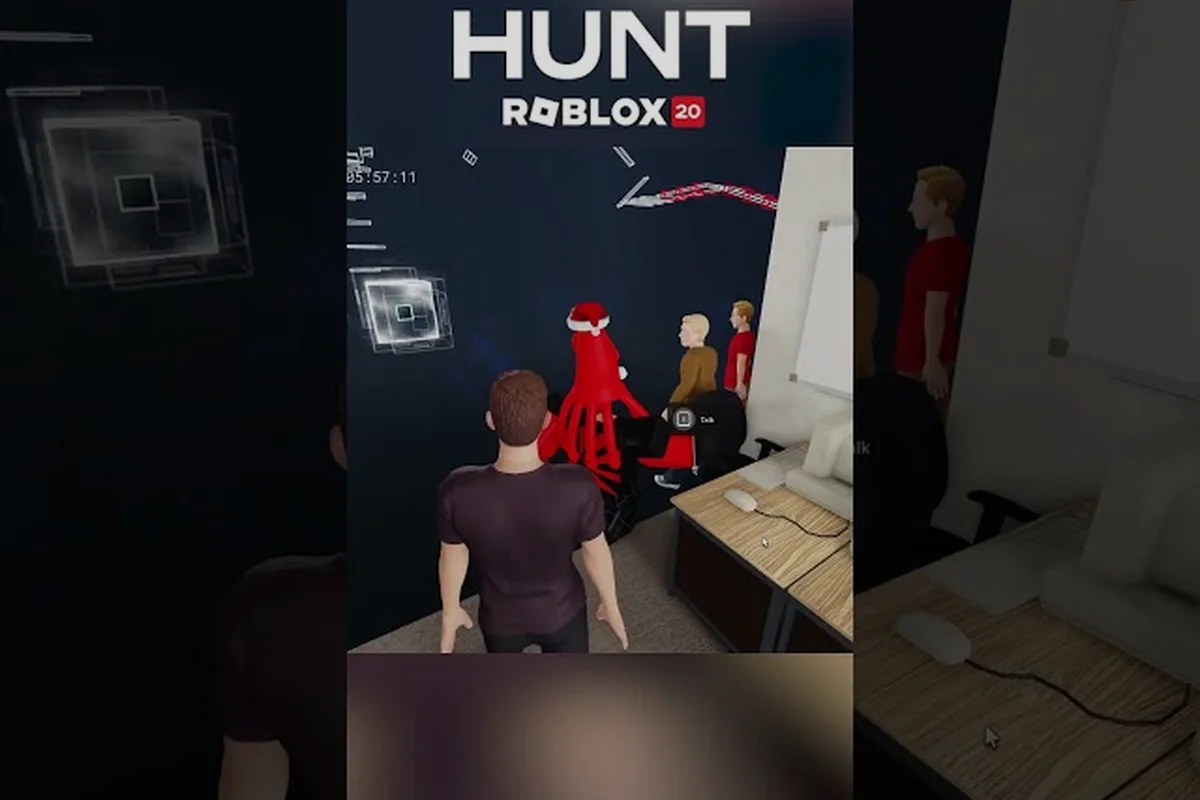
The Hunt: Roblox 20 Hub: Enter the Lobby & Start Year Quests
Step into the hunt roblox 20 hub with a full early-access walkthrough, lobby orientation, and the fastest way to launch your first anniversary year quest.
The Hunt: Roblox 20 Hub Link: Direct Game URL, Portal & Secrets
Grab the official The Hunt: Roblox 20 hub link, jump straight into the event game, and uncover hidden portal puzzles inside the anniversary lobby.
The Hunt: Roblox 20 Hub Gates: Map, NPCs & Year Unlocks
Map every gate in The Hunt: Roblox 20 hub gates, meet the right NPCs, and unlock each year area with a clean reward route.
All Articles
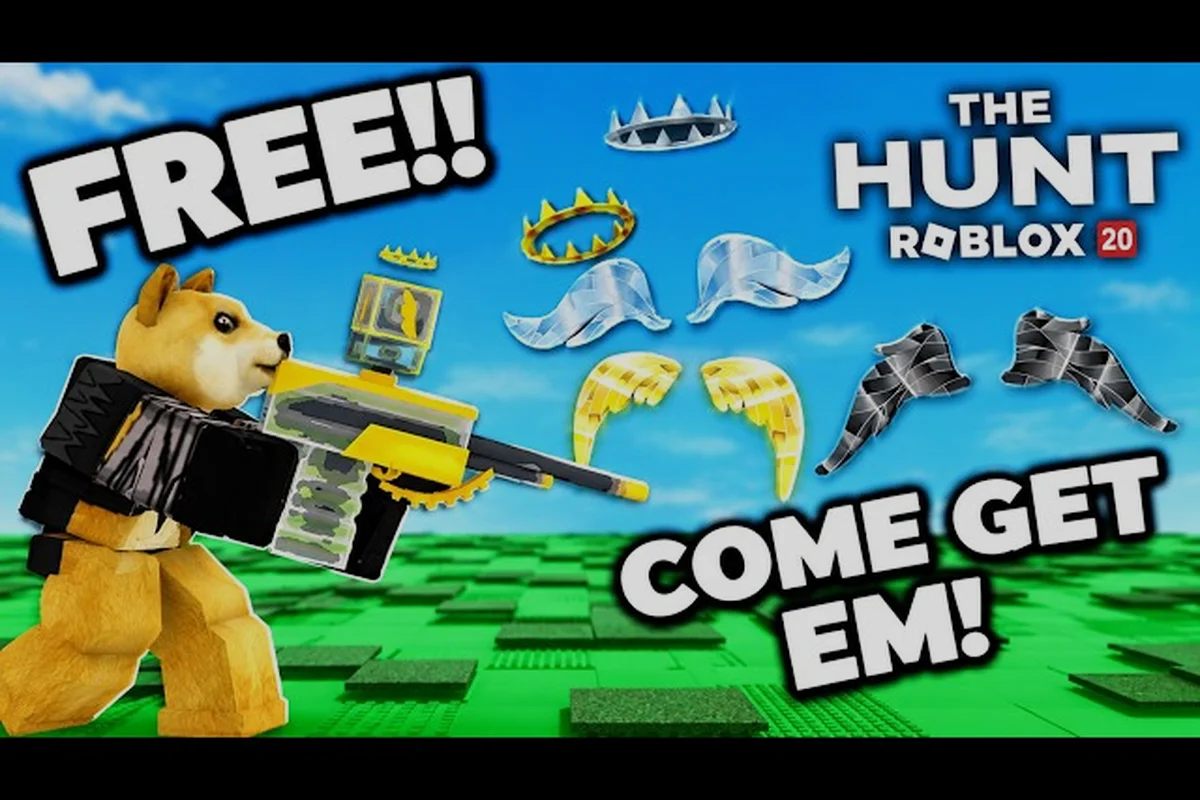
The Hunt: Roblox 20 Hub Lag Fix: Stop Crashes & Loading Stuck
Cut lag, crashes, and frozen loading in The Hunt: Roblox 20 hub with proven PC and mobile fixes, plus the best route into your first year quest.
The Hunt: Roblox 20 Hub Changes: Design, Easter Eggs & Lore
Spot every visual change in The Hunt: Roblox 20 hub changes, from classic Roblox throwbacks to hidden easter eggs and lore.
The Hunt: Roblox 20 Hub Not Working: Fix Queues & Servers
Diagnose why The Hunt: Roblox 20 hub not working on PC or mobile, clear long queues, and get back into the event fast.
The Hunt: Roblox 20 Hub Nostalgia: Era & Year Progression
Relive two decades of Roblox inside The Hunt: Roblox 20 hub nostalgia, tracking the era progression and full quest list.